> For the complete documentation index, see [llms.txt](https://help.flyer.vn/llms.txt). Markdown versions of documentation pages are available by appending `.md` to page URLs; this page is available as [Markdown](https://help.flyer.vn/flyer-help-centre-1/for-school-center-managers/view-school-center-overall-learning-progress.md).
# View School/Center Overall Learning Progress
In the school list, select the school you want to view:
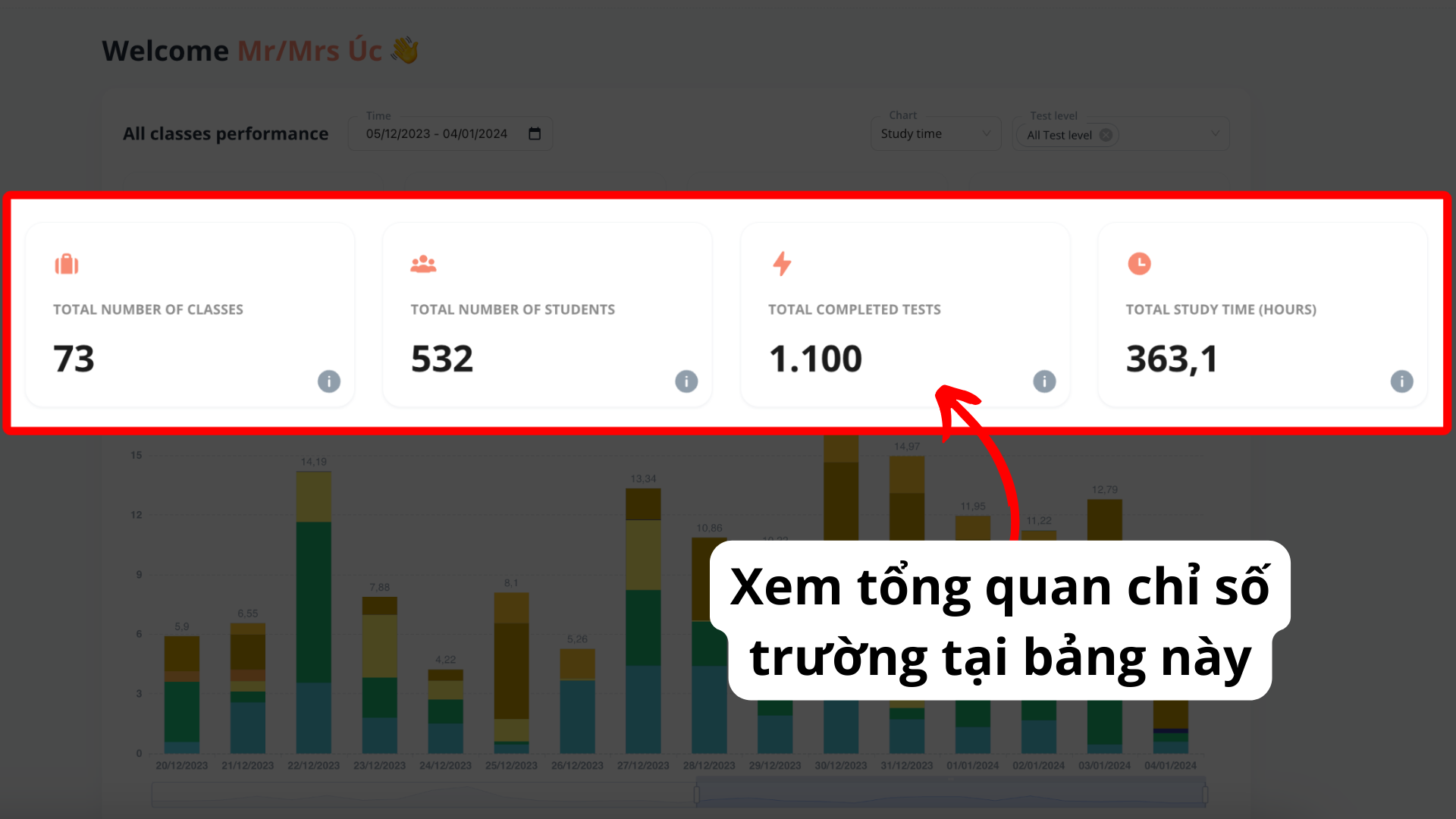
### All classes performance: Overview metrics
On the homepage, all the metrics will be visualized and displayed in charts. The school's learning progress is divided into 3 sections:
* All classes performance: Overview metrics of all the classes in your school/center
* Class ranking: Ranking the top 10 classes by the number of completed tests and the number of correct tests
* Test level details: Percentage of completed tests and correct tests by level
For any questions, please contact us via **email: .**
.png?alt=media&token=81718ae4-3c33-4172-a8d0-796266ba86e8)
.png?alt=media&token=00dd71fc-7f9e-498c-a75c-c7e49ef06834)
.png?alt=media&token=1125e494-b3fa-4606-bdb5-6621d51ef2a3)
.png?alt=media&token=d4db53fe-a058-4980-9119-25518ac4b13c)
.png?alt=media&token=06251fbd-2dec-4533-b931-4b275b8a61ea)
.png?alt=media&token=cde3b8e4-a84d-4a16-82e0-25e41116e02d)
.png?alt=media&token=2aa2d33b-ebae-4dbd-b9b3-ad5cf803c529)
.png?alt=media&token=6010c164-a830-40c4-82ff-0fd63df0623b)